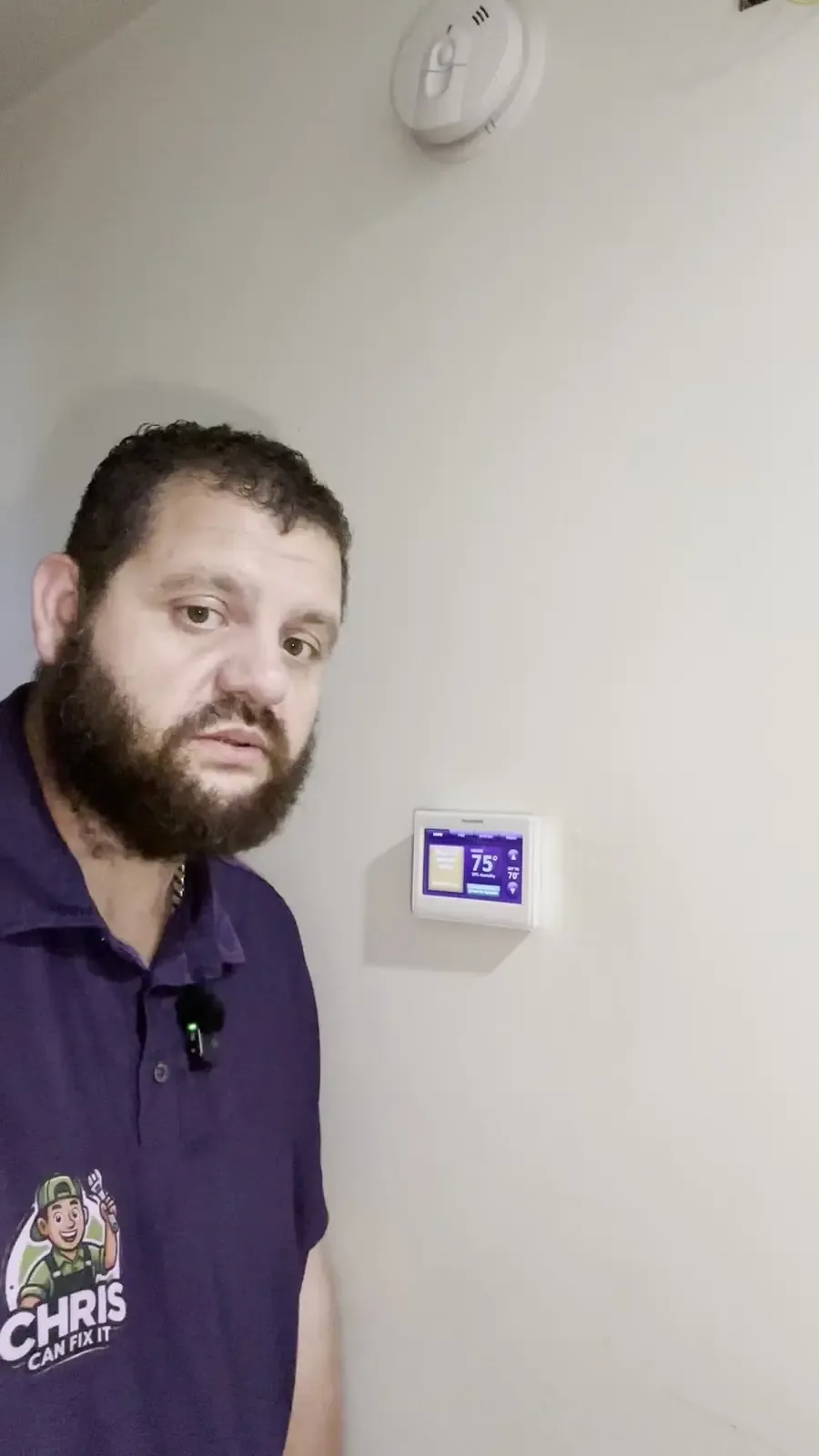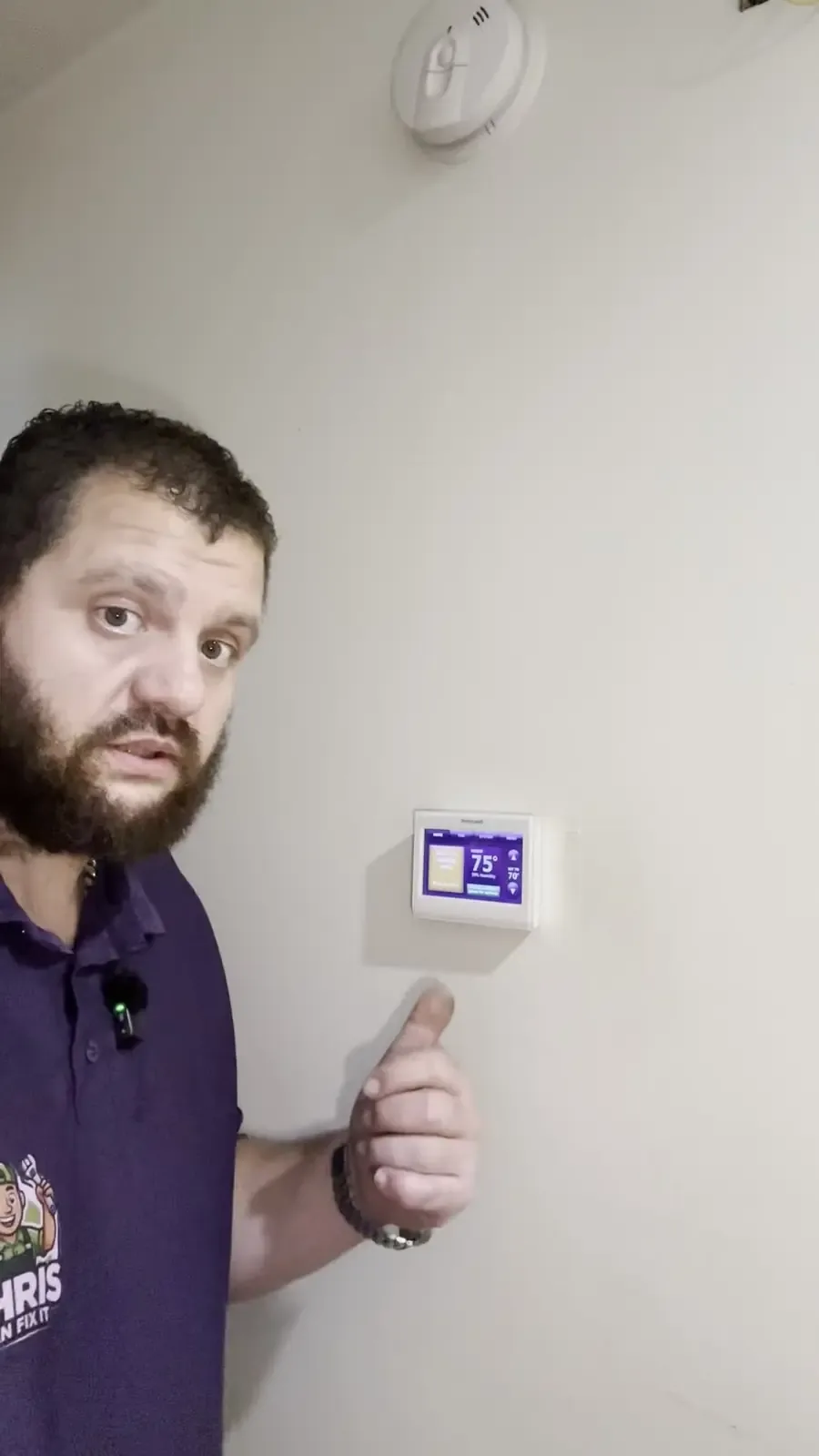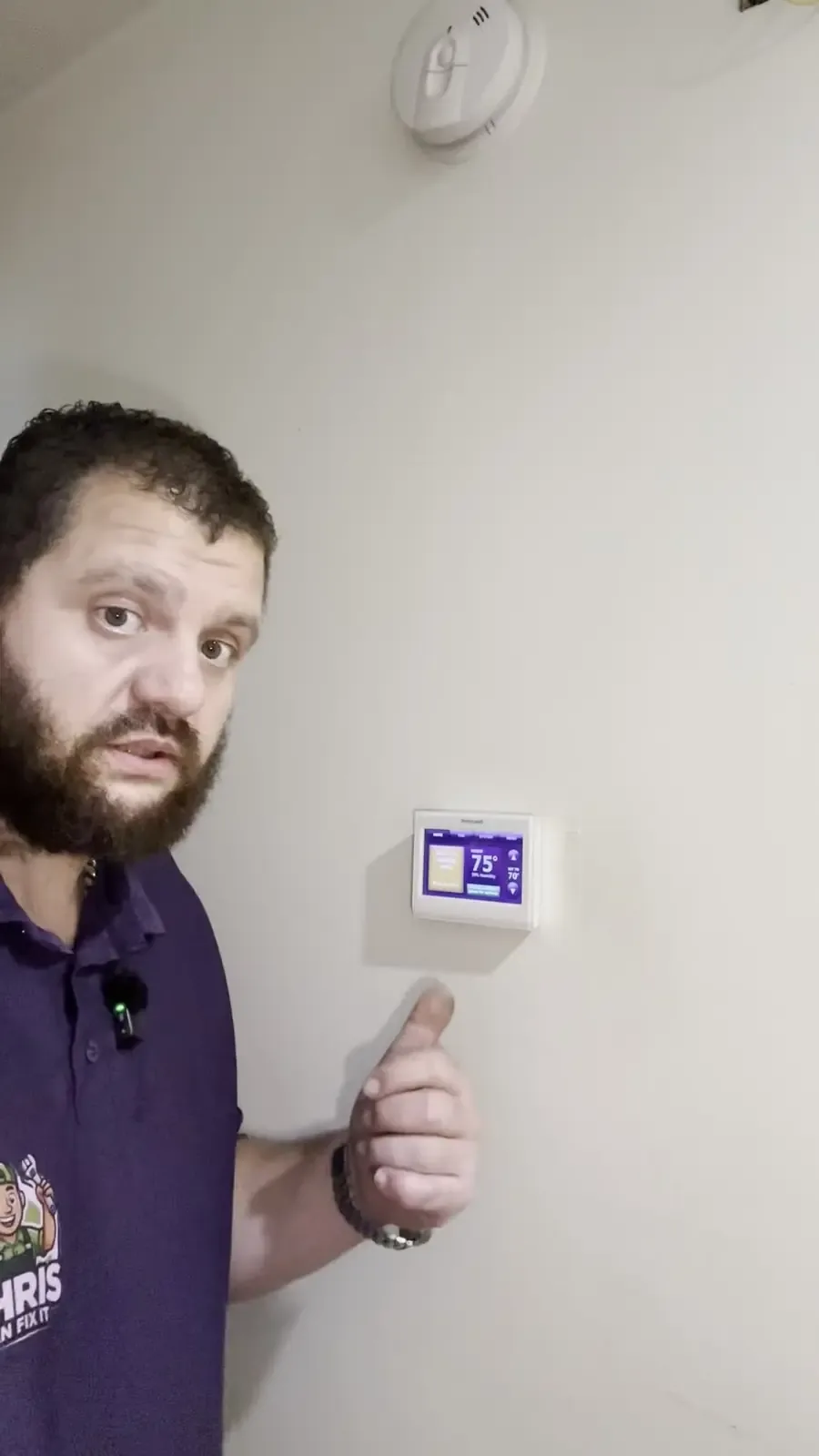
Check the thermostat on the wall first
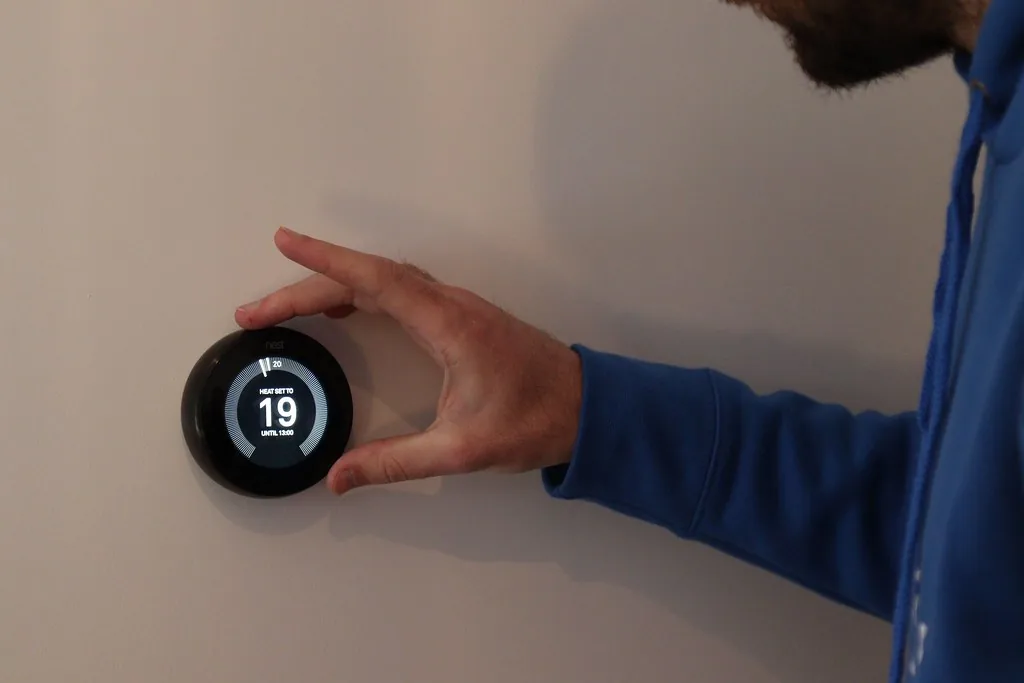
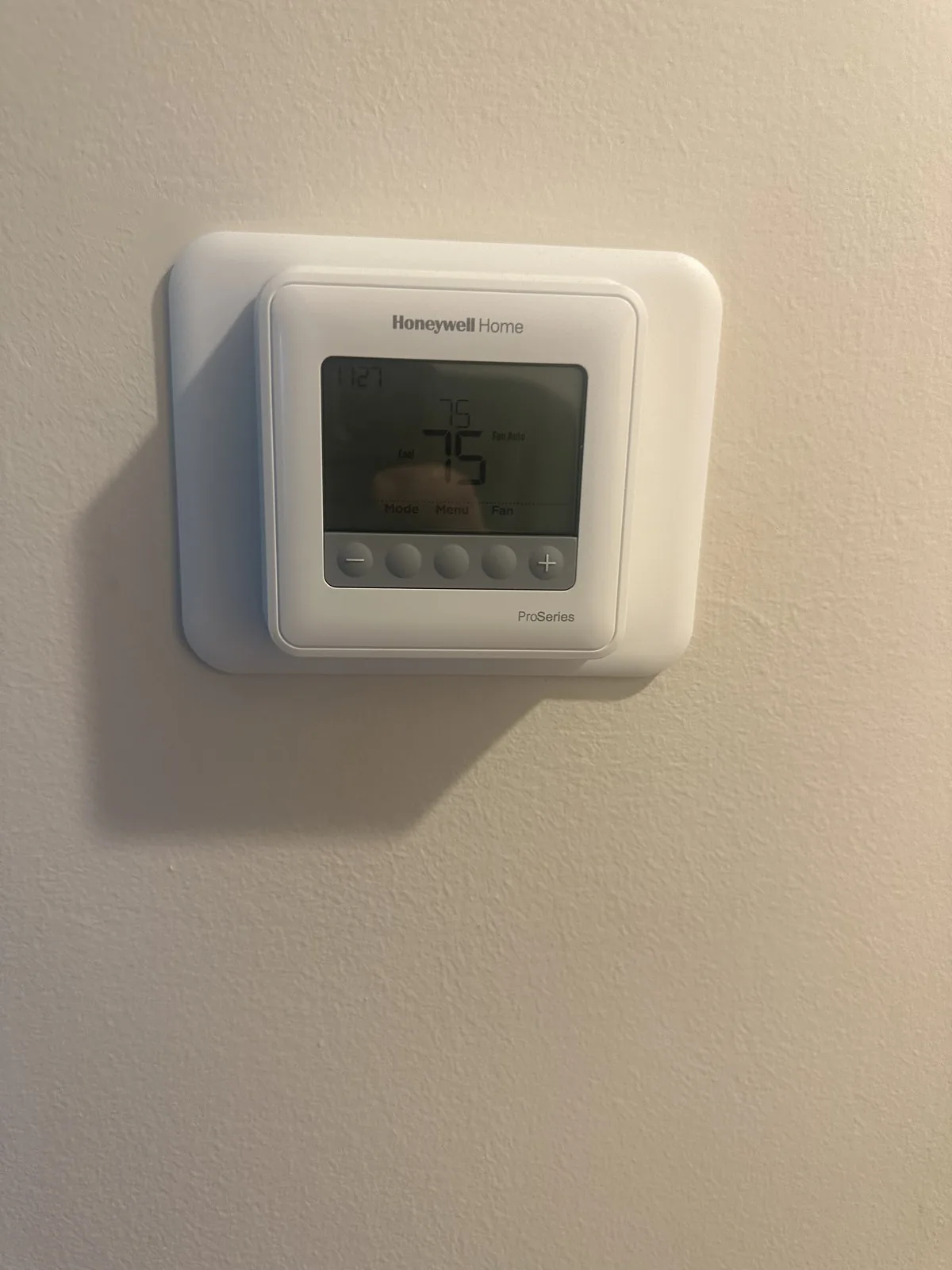
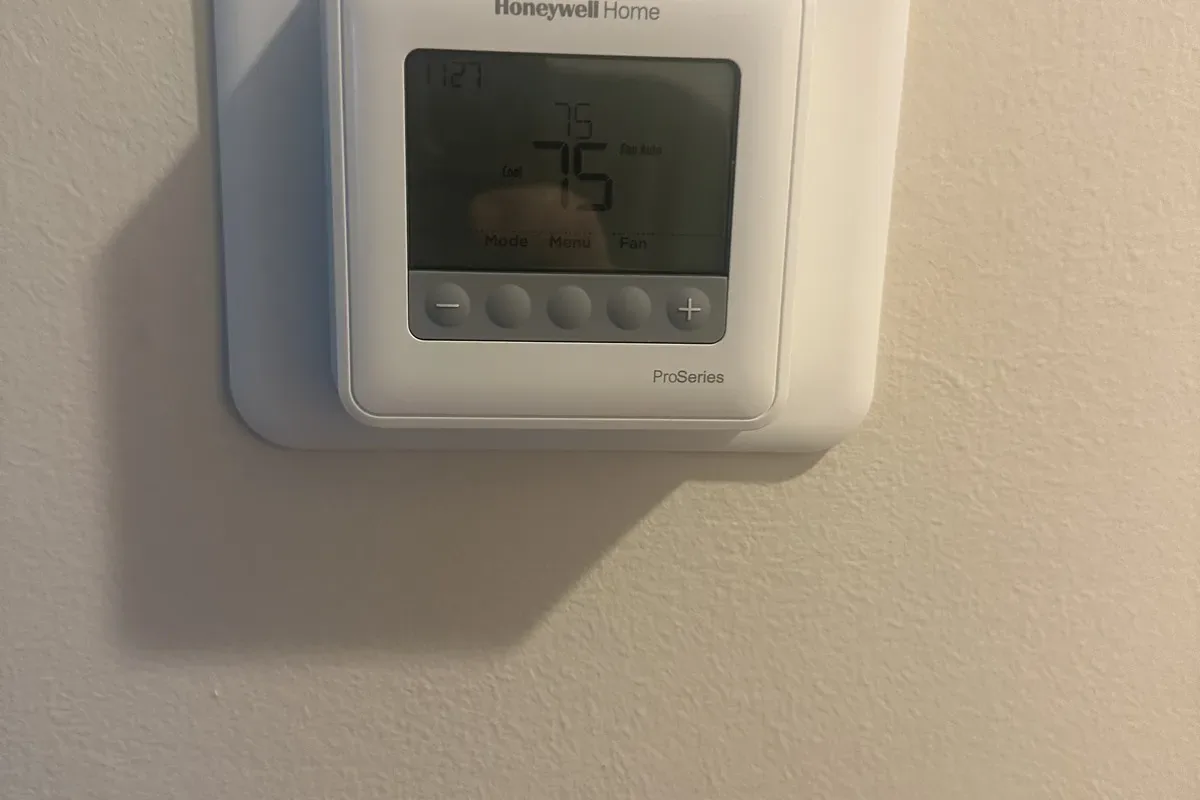
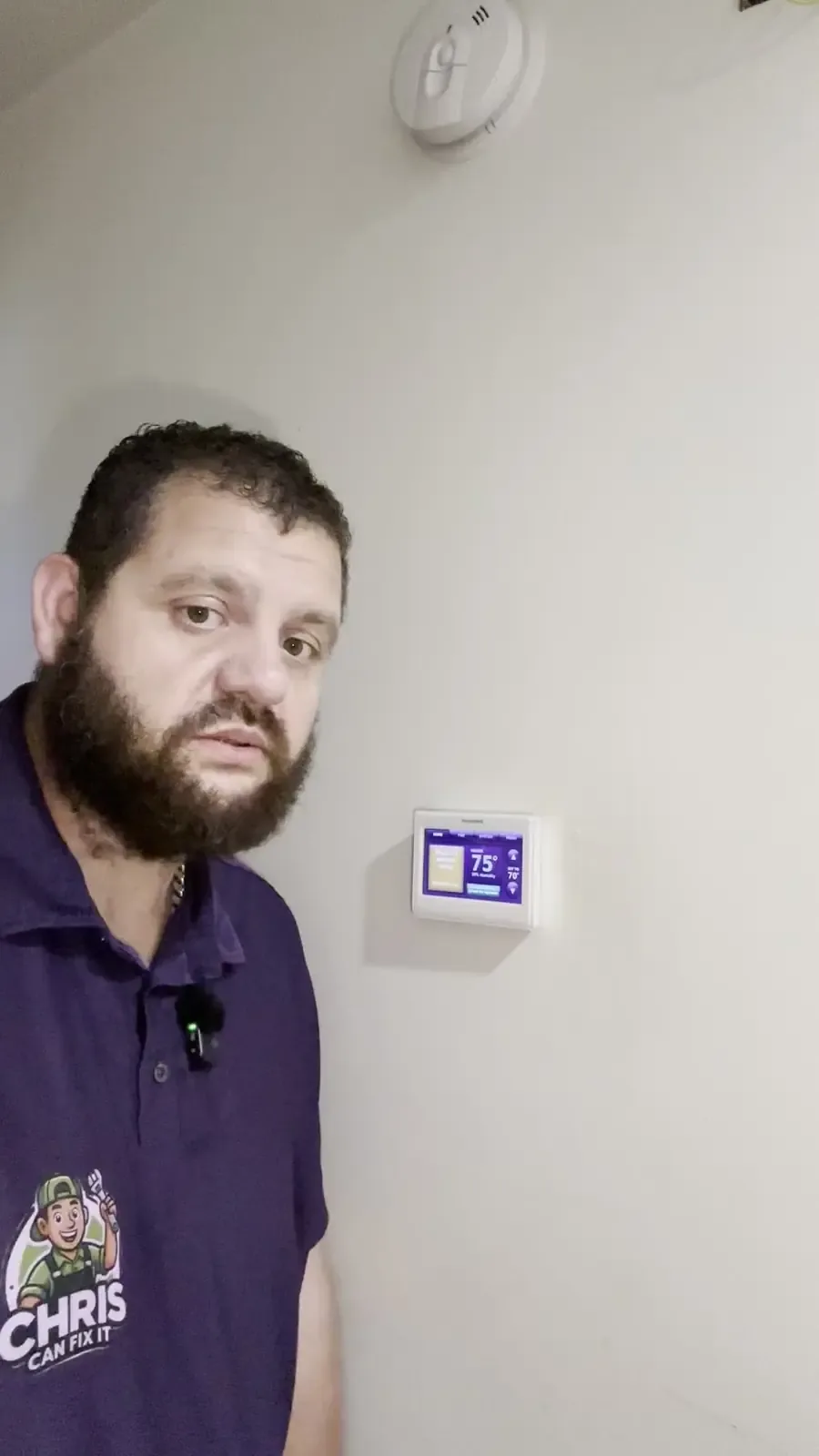
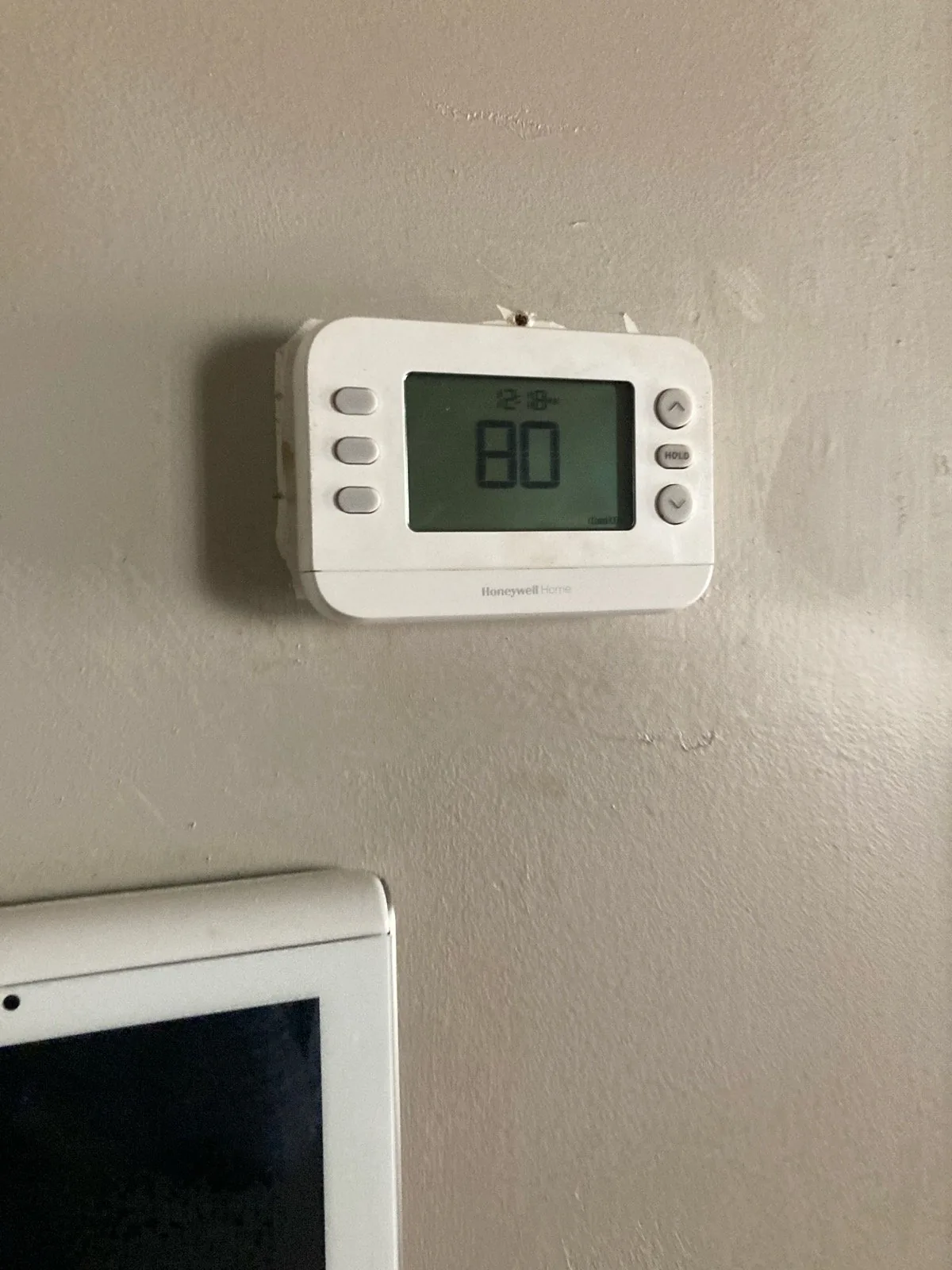
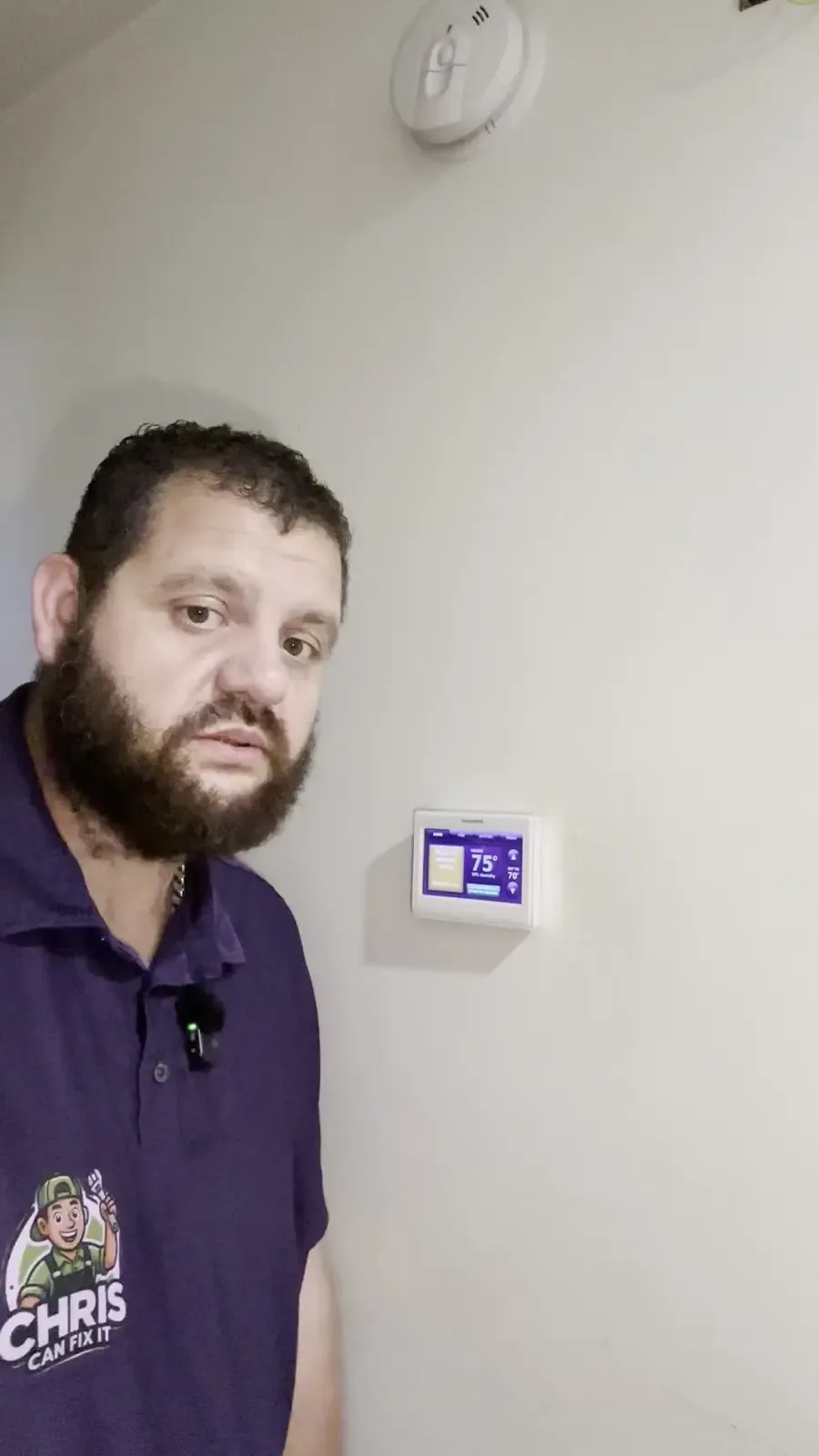
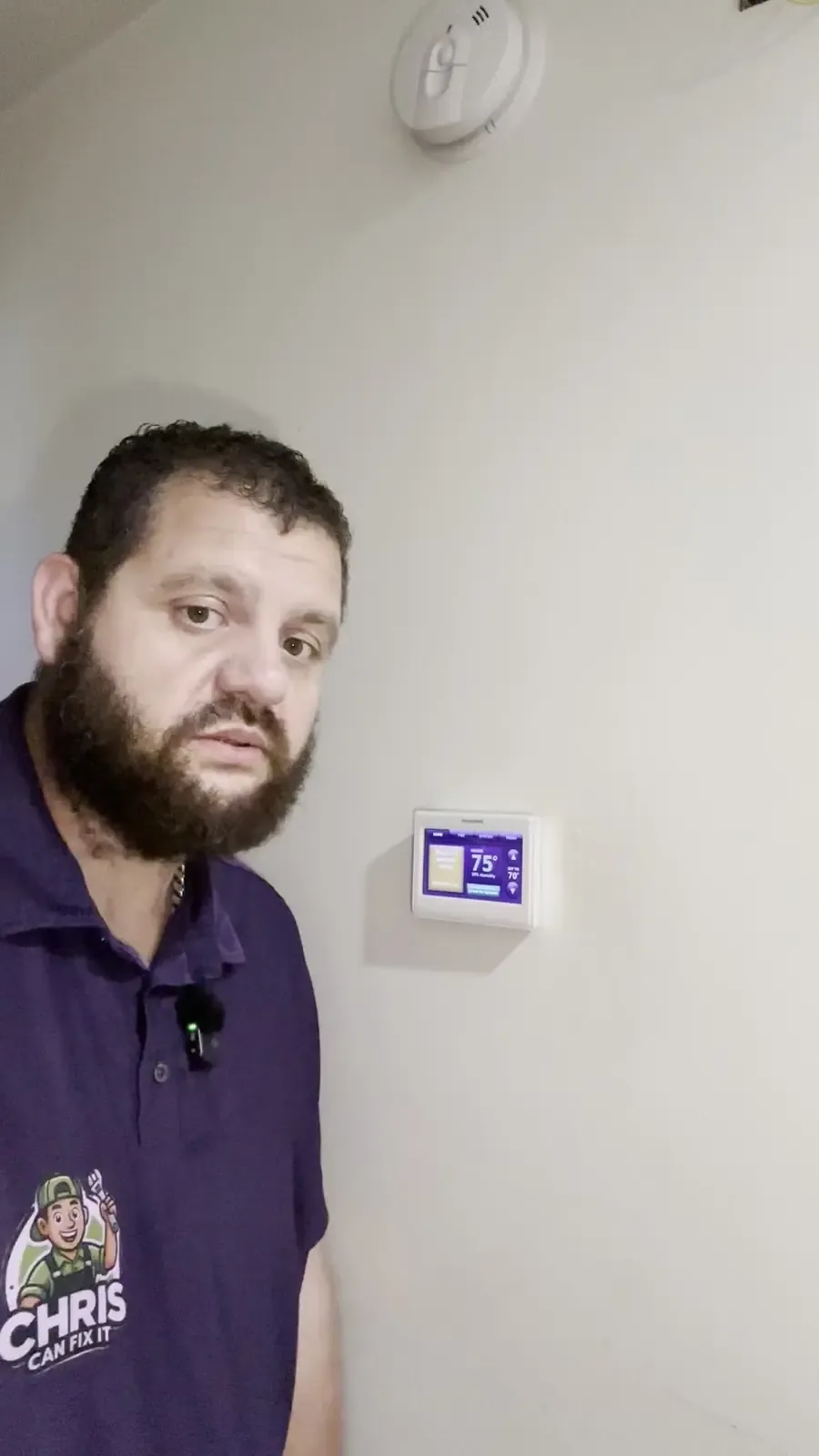
Don't go by the app alone. Walk over to the thermostat itself and look at three things:
- The mode is on Heat (not Off, Cool, or Auto set wrong).
- The set temperature is higher than the room temperature.
- It shows it's calling for heat. Many show a flame, "Heating," or an orange or red screen.
If all that looks right and you feel warm air at the vents, your heat is working. The Wi-Fi is a separate problem.
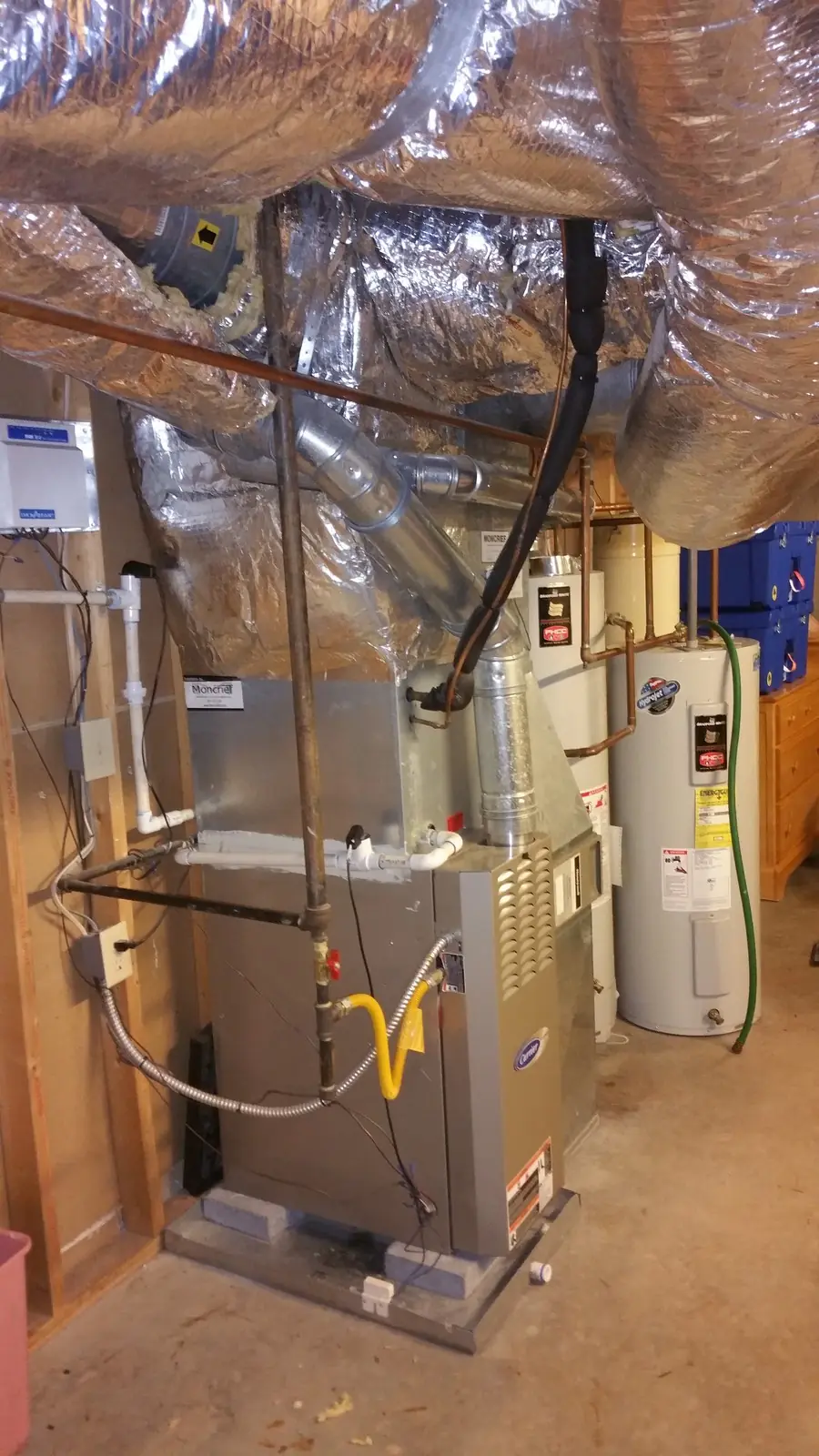
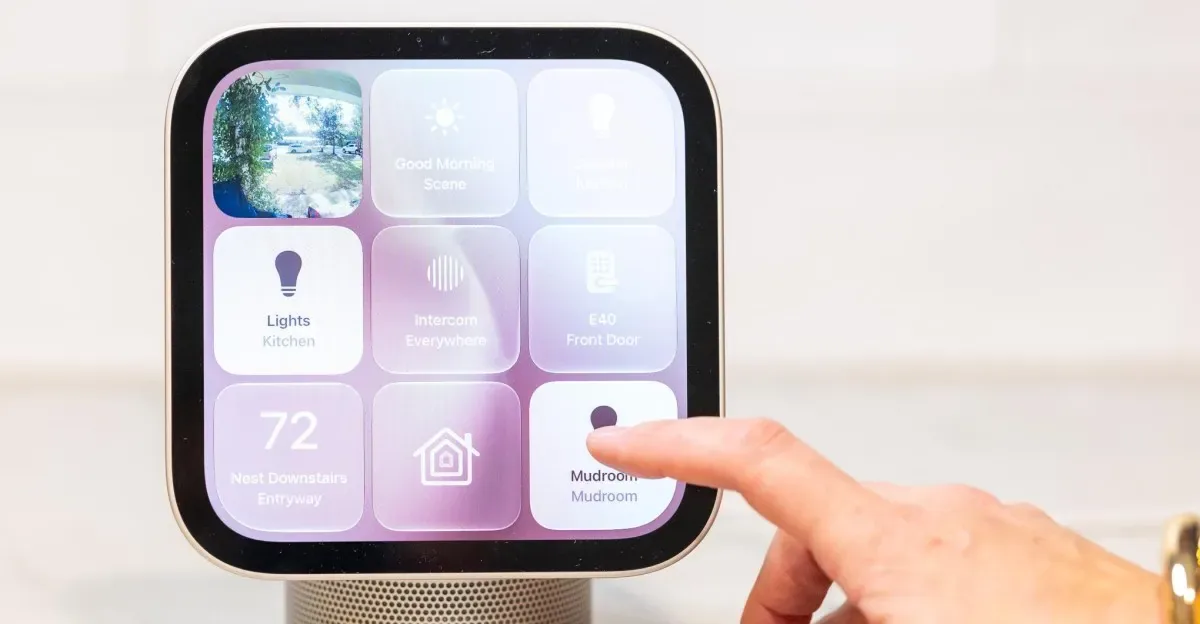
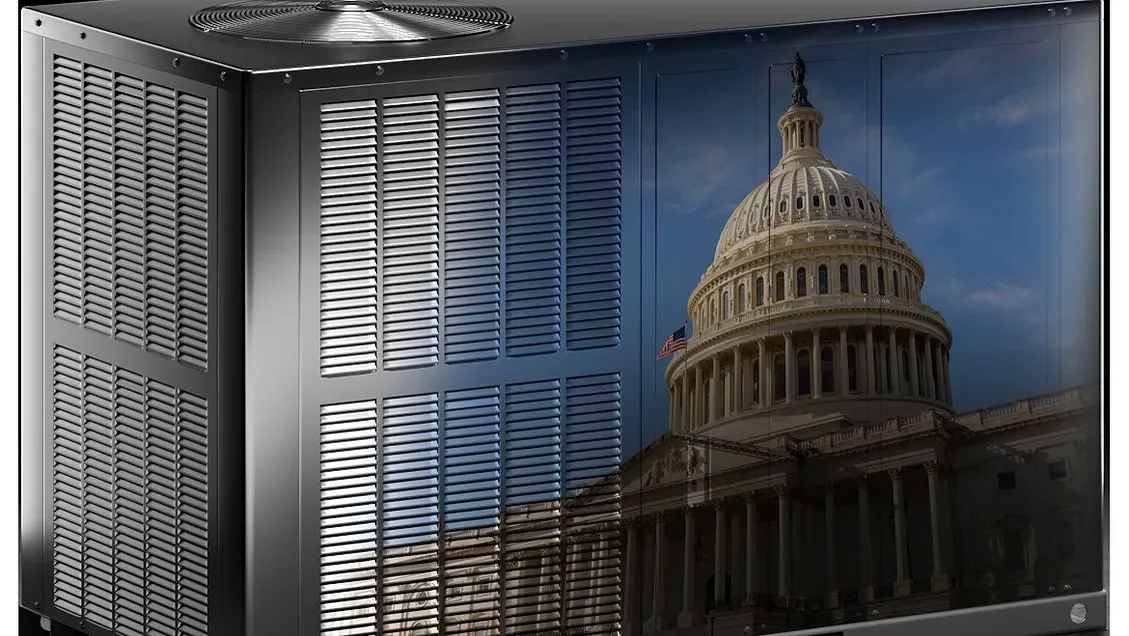
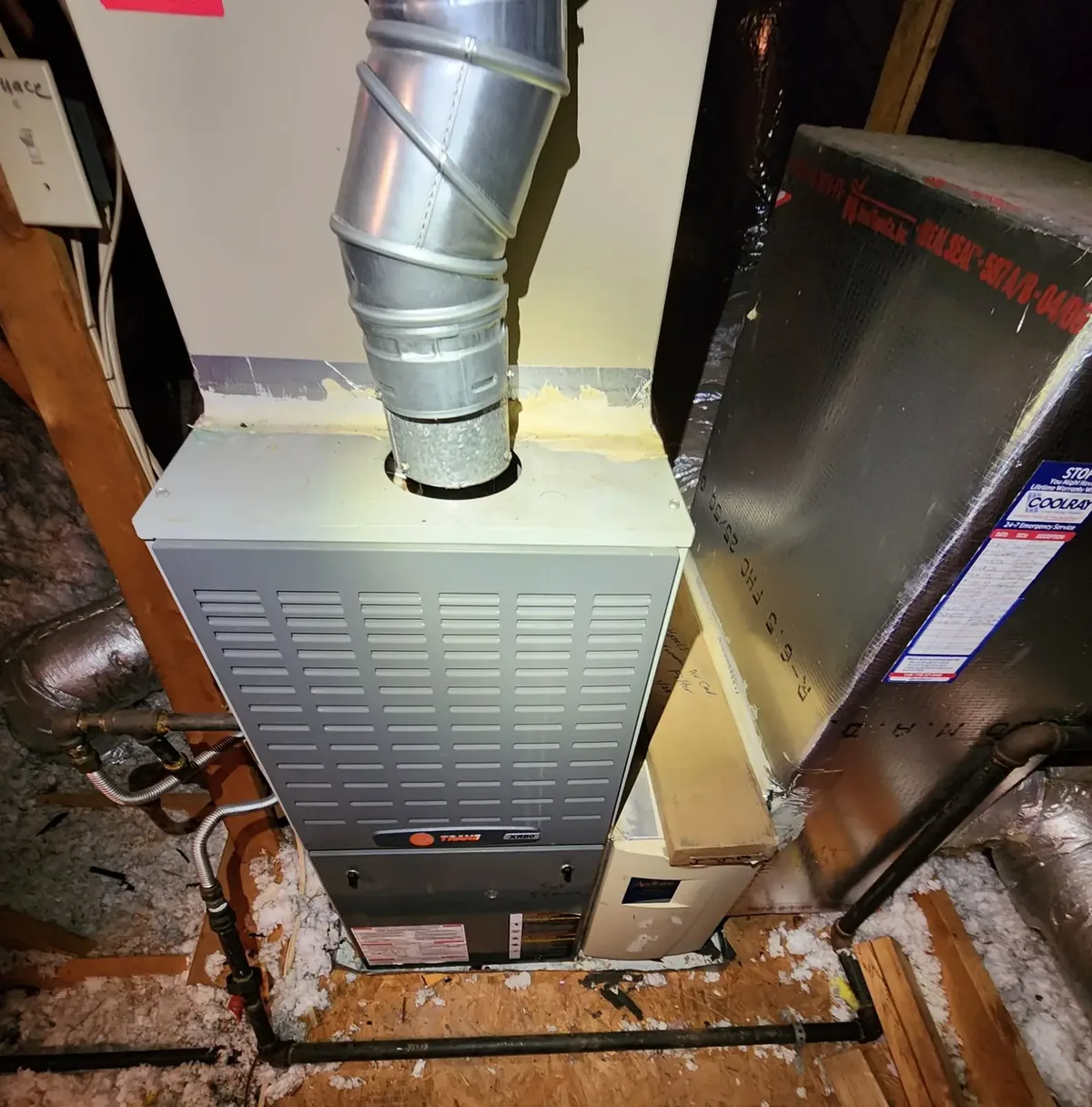
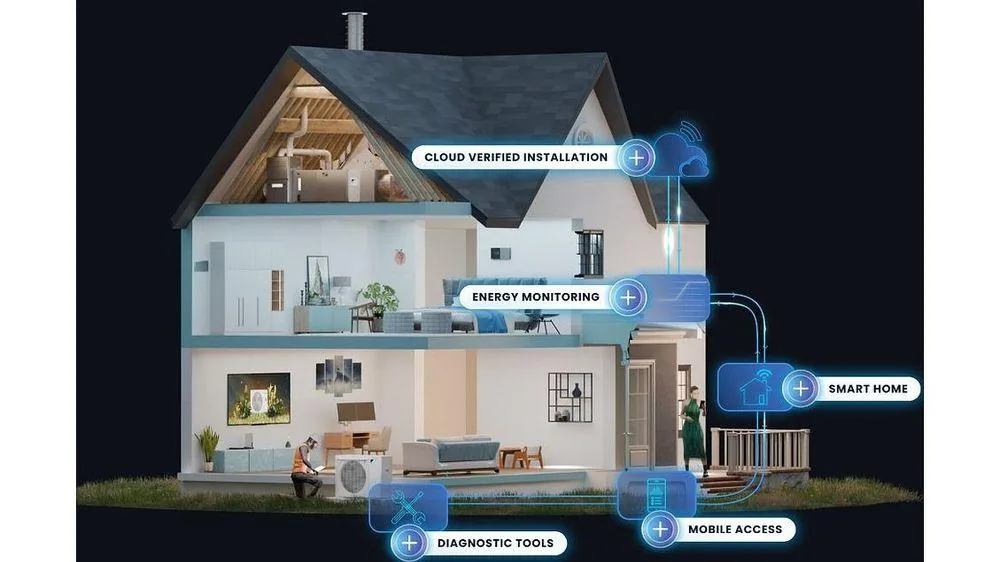
Source: Stock photo by Heatable (heatable.co.uk) on Flickr, CC BY 2.0. Not a Chris Can Fix It job photo.
Get it back online
- Restart your home router and modem. Unplug them, wait about 30 seconds, and plug them back in.
- Give the thermostat a few minutes after the internet comes back. Many reconnect on their own.
- If it still says offline, look in the thermostat's Wi-Fi or network menu. Only re-enter the Wi-Fi password from the screen if the manual or the maker's app tells you to do it that way.
- If you changed your router or Wi-Fi password lately, that's usually the reason.
Write your Wi-Fi network name and password on a piece of tape inside a kitchen cabinet door. When the thermostat, the doorbell, or the TV drops off after a power blip, you won't be digging for it.
What not to do
- Don't pull the thermostat off the wall or touch the wires behind it.
- Don't keep flipping the furnace switch or the breaker on and off to "reset" things.
- Don't open the furnace or work on anything gas or electrical.
When to call
If the wall screen is blank, or the house has no heat in winter, call me right away at (470) 999-7395. That's a same-day call for me. If the heat works but the thermostat won't stay connected, or it acts strange every time the power blinks, book online for a $79 diagnostic and I'll take a look.