Chris Can Fix It logo
← Around the House
Tech notes for the home

Flip Your Ceiling Fan for Winter: Which Way It Should Spin

· 3 stories · By Chris

Most people shut their ceiling fans off for good once the heat comes on. But that fan can actually help you stay warmer this winter, as long as it's spinning the right way. It takes about a minute to switch, and it's one of the easiest comfort tweaks in the house. Here's how I do it.

Why a fan helps in the winter
Why a fan helps in the winter
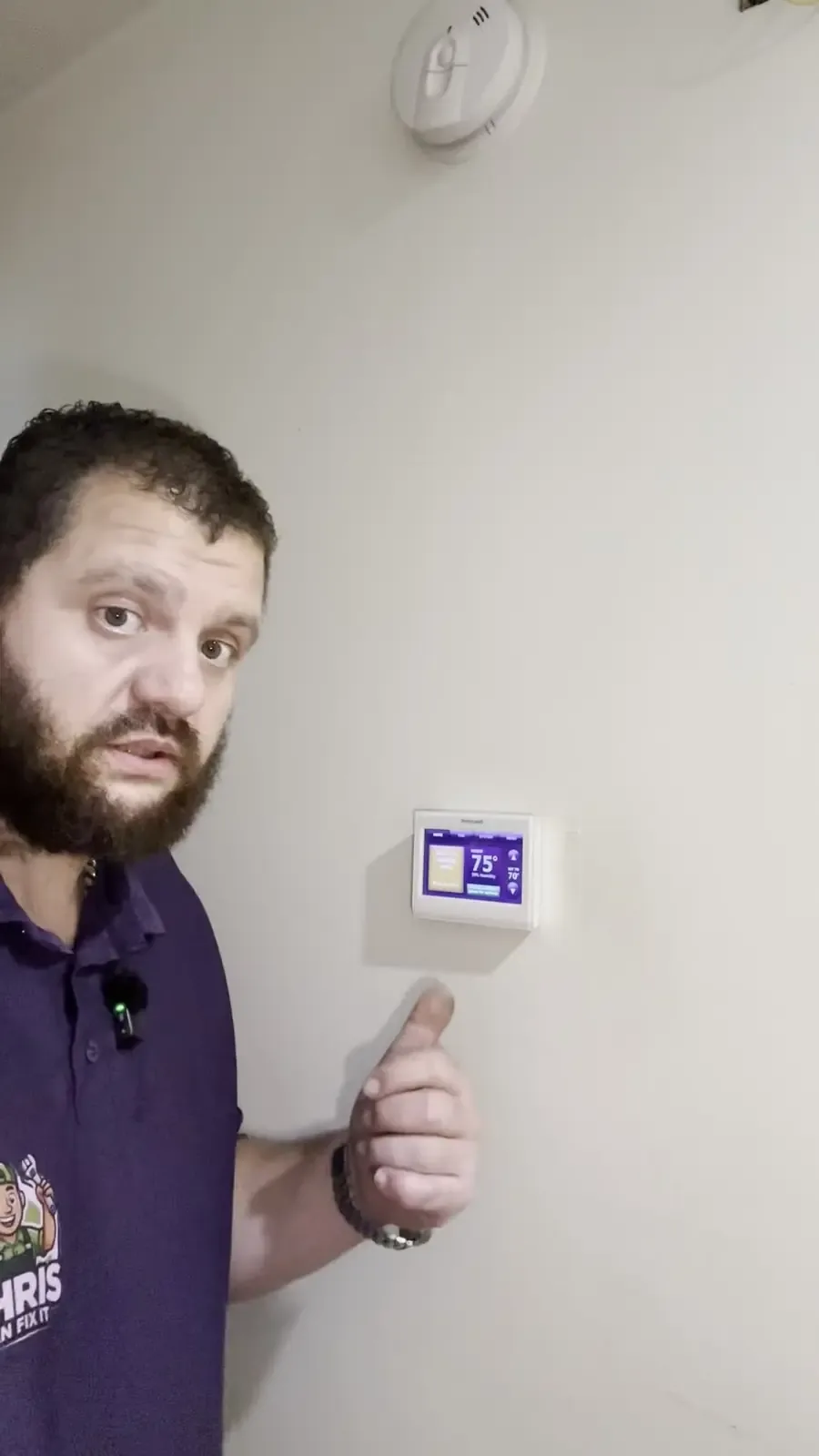
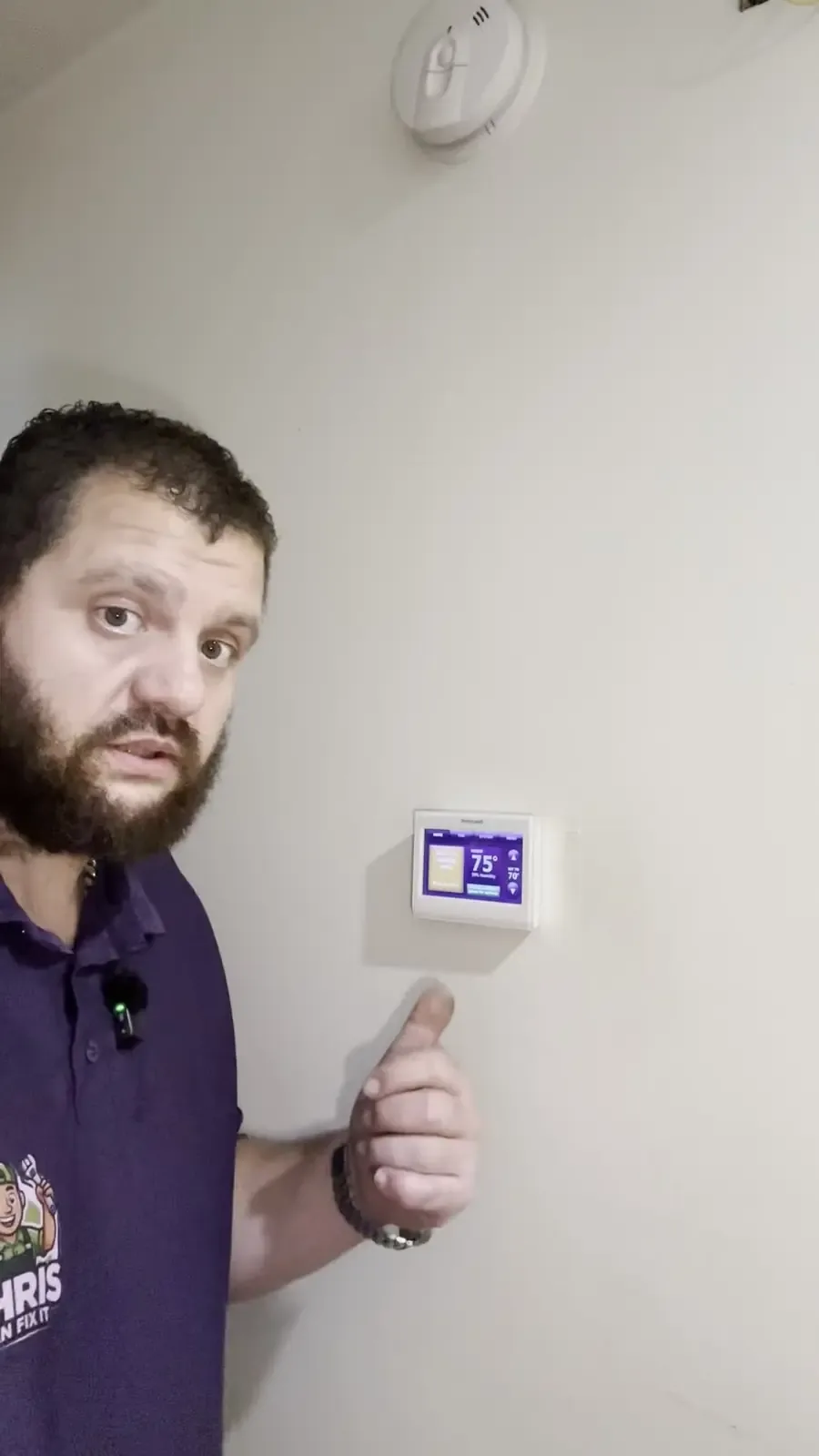
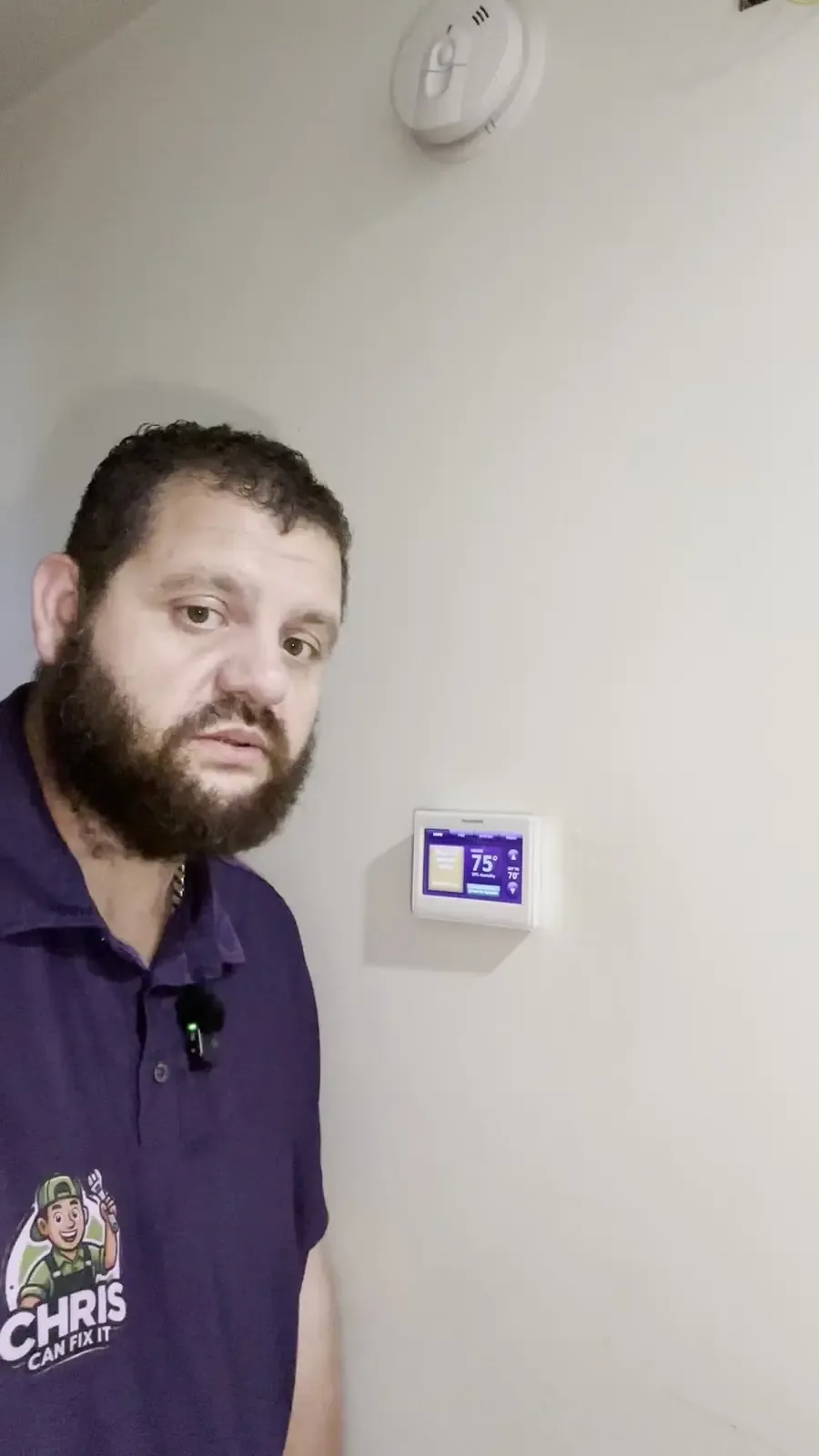
Image: Chris Can Fix It, me talking a customer through their thermostat settings

Warm air rises. When your heat runs, a lot of that warm air ends up sitting up by the ceiling, especially in rooms with high or vaulted ceilings, while your feet stay cold. A ceiling fan on the winter setting gently pushes that warm air back down into the room where you actually are.

The fan doesn't heat anything by itself. What it does is even out the temperature, so the room feels warmer at the same thermostat setting. ENERGY STAR and the Department of Energy both recommend running ceiling fans this way in the winter, and turning the fan off when nobody's in the room.

Home tip

Once your fans are set for winter, try nudging the thermostat down a degree and see if you notice. If the room still feels comfortable, that's a little less work for your heating system all season.

Source: ENERGY STAR

Source: U.S. Department of Energy

How to switch it to winter mode
How to switch it to winter mode
Image: Chris Can Fix It, me pointing out the settings on a customer's thermostat

For winter, you want the blades turning clockwise, on low speed. Here's the quick way to set it:

  • Turn the fan off at the wall switch or the remote, and wait until the blades stop completely.
  • Find the small direction switch on the motor housing, right above the blades. Some newer fans do it from the remote or an app instead.
  • Flip the switch, then turn the fan back on to low.
  • Stand under it and look up. The blades should be moving clockwise, and you shouldn't feel a breeze. If you feel a cool draft, it's still on the summer setting.

Low speed matters. On high, even the winter direction will start to feel like a breeze, and that's the opposite of what you want.

Home tip

Never reach for that switch while the fan is spinning. Turn it off, let it stop, and use a sturdy step stool, not a chair. While you're up there, wipe the dust off the tops of the blades so it doesn't get flung around the room.

Source: Hunter Fan

When to leave the fan alone
When to leave the fan alone
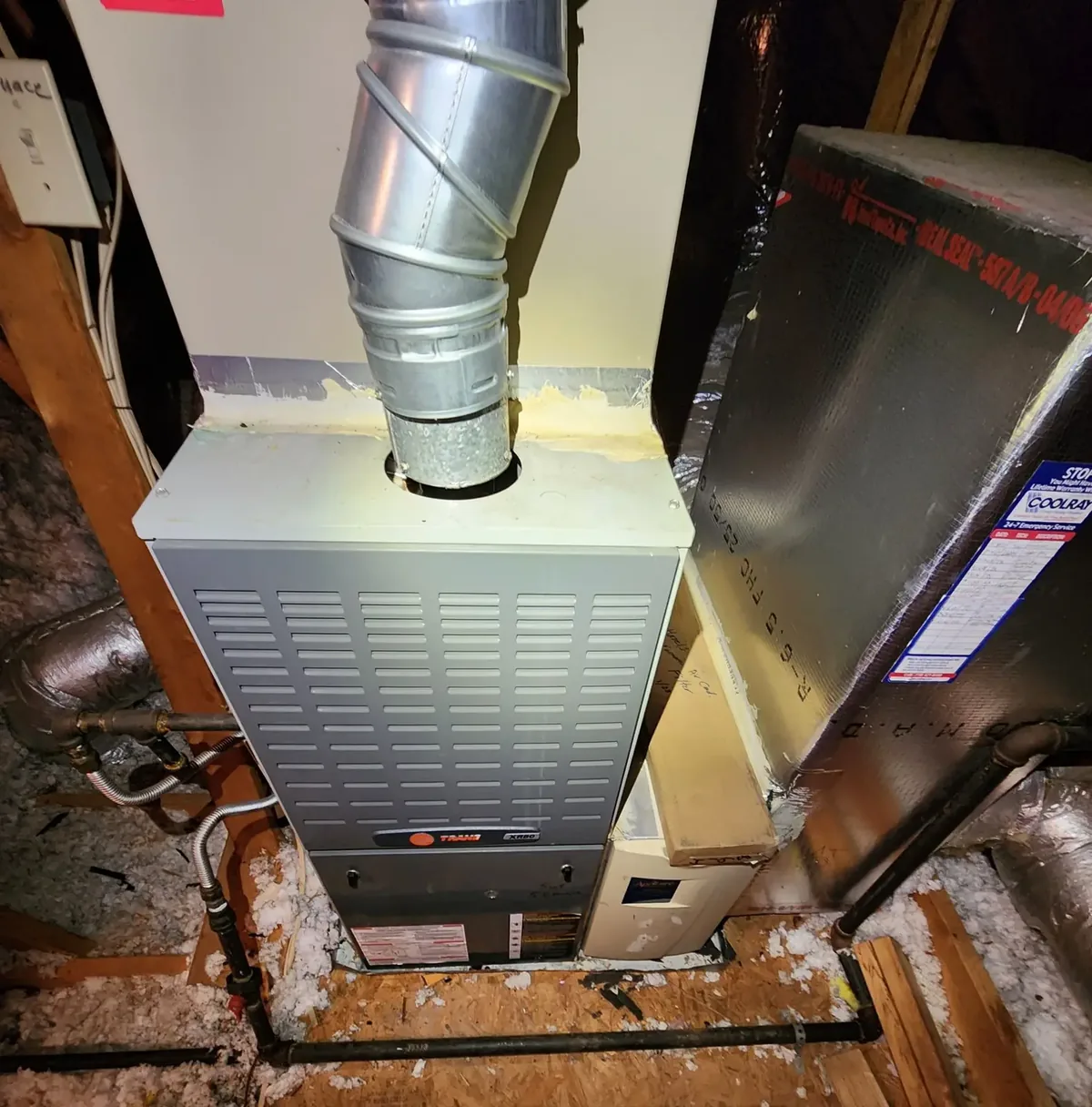
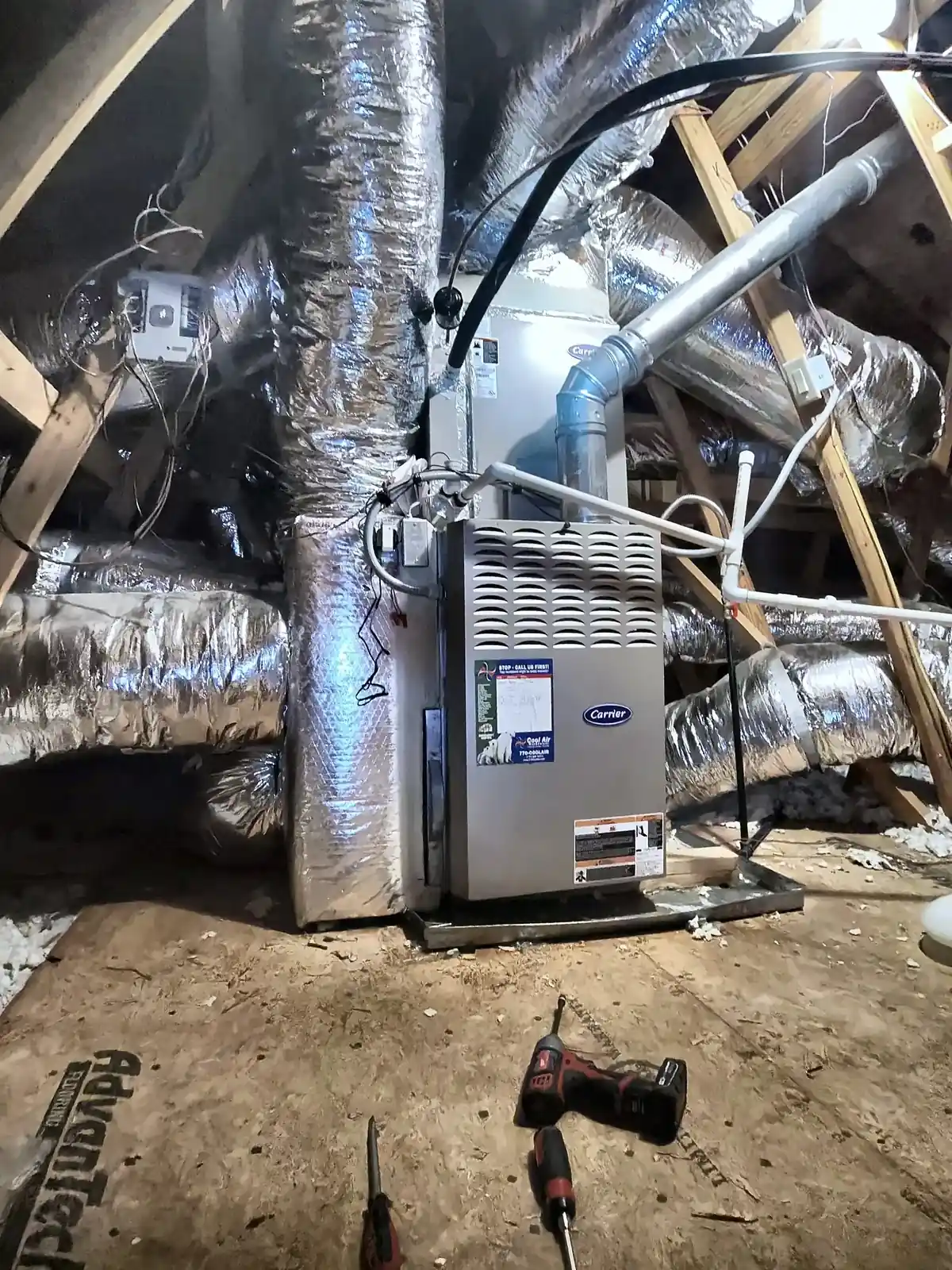
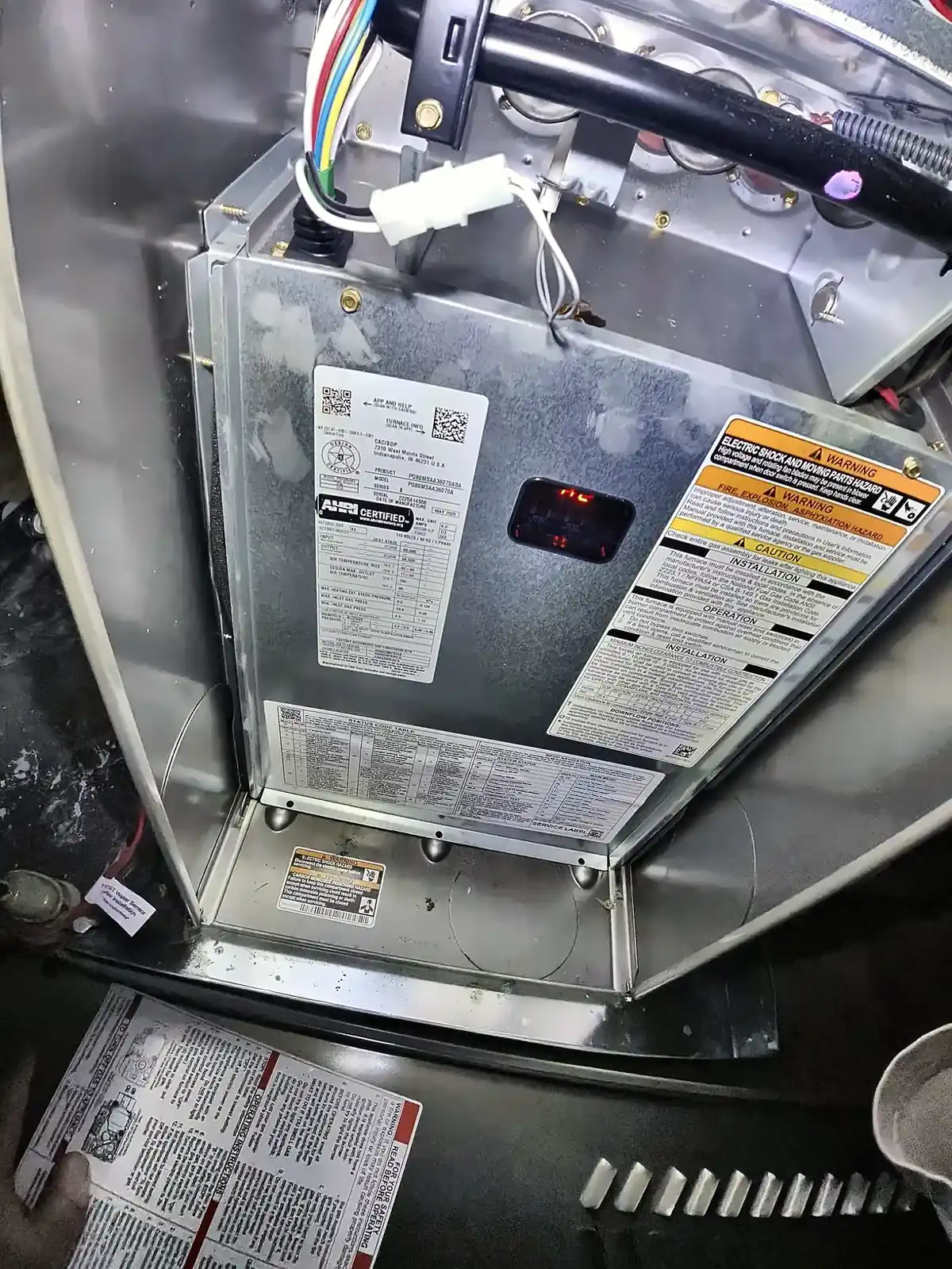
Image: Chris Can Fix It, an indoor air handler install, the part of the system that moves warm air to every room

Flipping the direction switch is a simple homeowner job. A few things are not. If a fan wobbles hard, makes a grinding or clicking sound, sparks, smells hot, or the light flickers when it runs, turn it off and leave it off. A fan that's loose on its mount or has a wiring problem is a safety issue, and a new fan install or any wiring work is a job for a qualified electrician.

Also keep in mind that a fan only moves the heat you already have. If one room stays cold no matter what, the fan won't fix that. That usually points to an airflow problem, a blocked or closed vent, or a system that's not keeping up.

Home tip

Walk the house and make sure every supply vent is open and not covered by furniture or rugs. If a room is still cold, give me a call at (470) 999-7395. A $79 diagnostic is how I track down why the heat isn't reaching it.
More from Around the House

Nov 3, 2026

Tech Brief: Hacked Store Freezers, Pricier Macs, a Watch That Rewinds and Smarter Heat Pumps

Nov 3, 2026

Dry Winter Air: How to Add Humidity Without Causing Mold

Nov 3, 2026

Drafty Doors? How I Check Weatherstripping and Door Sweeps

Nov 2, 2026

Tech Brief: Locking Down Your Accounts, New Refrigerants, a Touchscreen Mac and a Drone Weight Gotcha

Nov 2, 2026

Clocks Fell Back: Time for a Quick Smoke Alarm Check

Nov 2, 2026

Space Heater Safety: The Rules I Follow Every Winter

Nov 2, 2026

Emergency Heat: What the EM HEAT Setting Really Means

Nov 1, 2026

Tech Brief: Furnaces as Backup Heat, a Drone Update Gotcha, Sleep Checks and a New Phone

Oct 31, 2026

Tech Brief: Remote HVAC Monitoring, Hacked Freezers, Halloween Drones and New Gadgets

Oct 31, 2026

Furnace Filters 101: Size, Timing and Which Way It Goes

Oct 31, 2026

Frozen Pipes: How to Prevent Them and What to Do If One Freezes

Oct 31, 2026

Heat Pump in Winter: What's Normal and What Isn't

Oct 30, 2026

Tech Brief: Home Heating Trends, Drones, Sleep Tech and a Crypto Scam Warning

Oct 30, 2026

Carbon Monoxide: The Silent Winter Risk

Oct 30, 2026

Why Does My Furnace Smell Like Burning?

Oct 30, 2026

Furnace Short-Cycling? What It Means and What to Check

Oct 29, 2026

Fall Furnace Tune-Up: What a Pro Actually Checks

Oct 29, 2026

No Heat? 5 Things to Check Before You Call

Oct 29, 2026

Why Dryer Fires Peak in Winter, and the Laundry Room Checks I'd Do This Weekend

Oct 27, 2026

Apple's New Thermostats, Refrigerant Top-Offs, and My Furnace Checks Before the First Cold Night

Oct 26, 2026

Get the Paperwork on a New HVAC Install, Plus a Family Rule for Scam Calls

Oct 25, 2026

Humidity, Mold and Your AC Drain: What a New Bill Says About Healthy Air

Oct 24, 2026

A Two-Minute Google Ad Check, a Smart Drone-Gift Tip, and Why Updates Reset Your Settings

All posts →

Call (470) 999-7395Text