Why the house stays cold
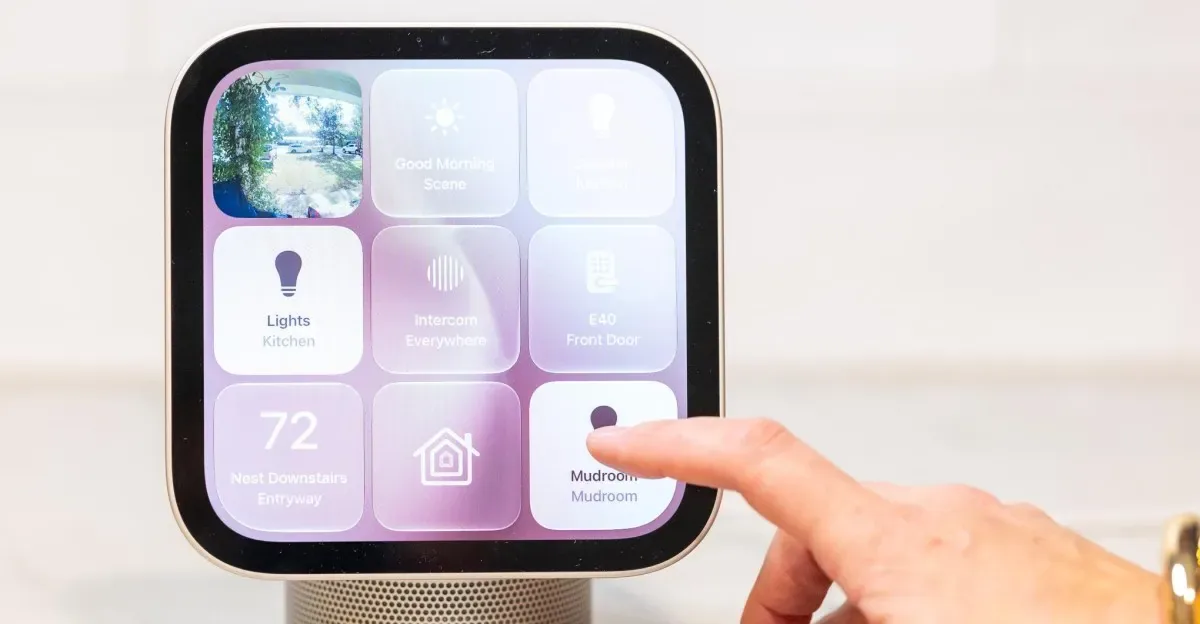
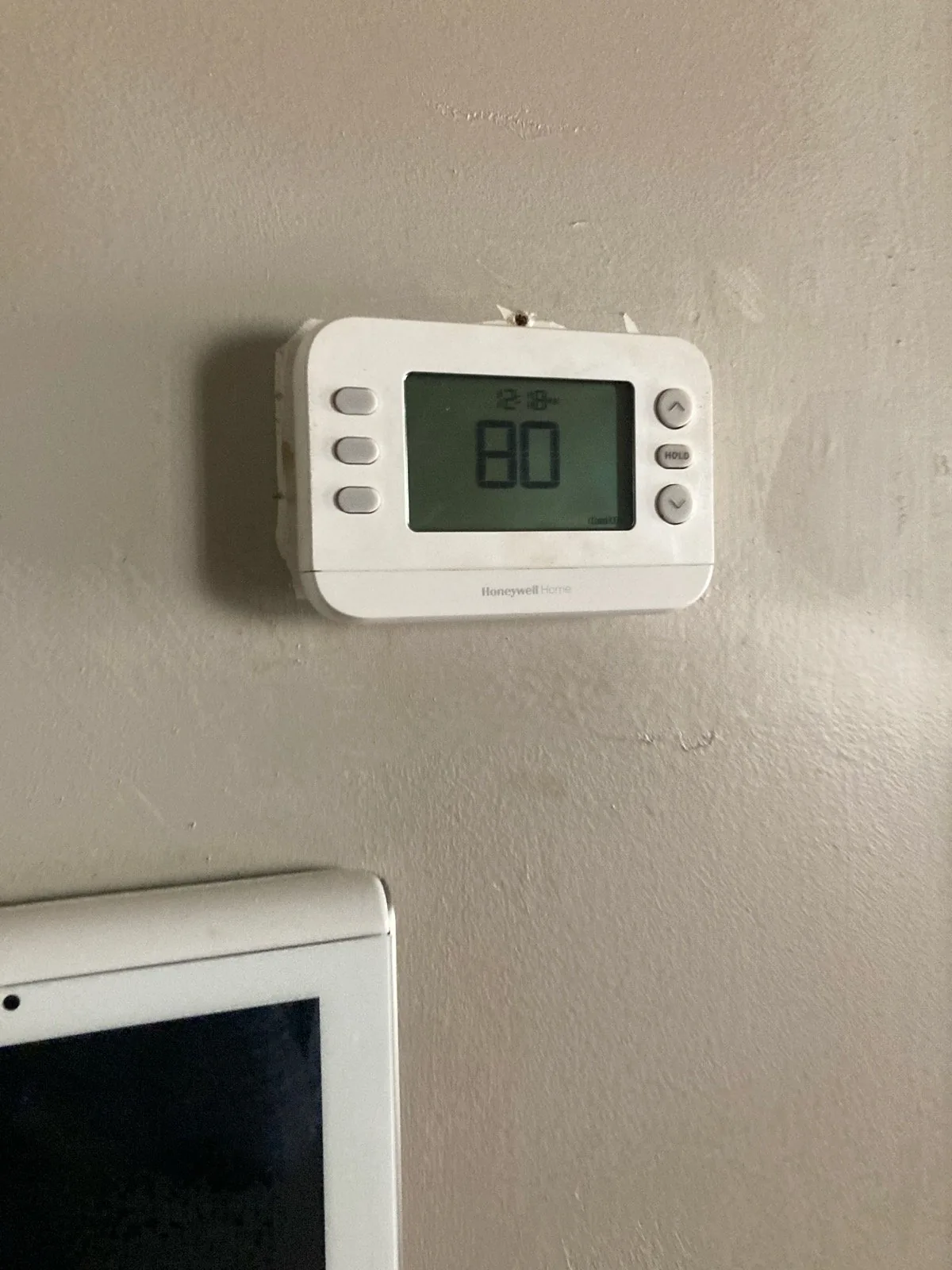
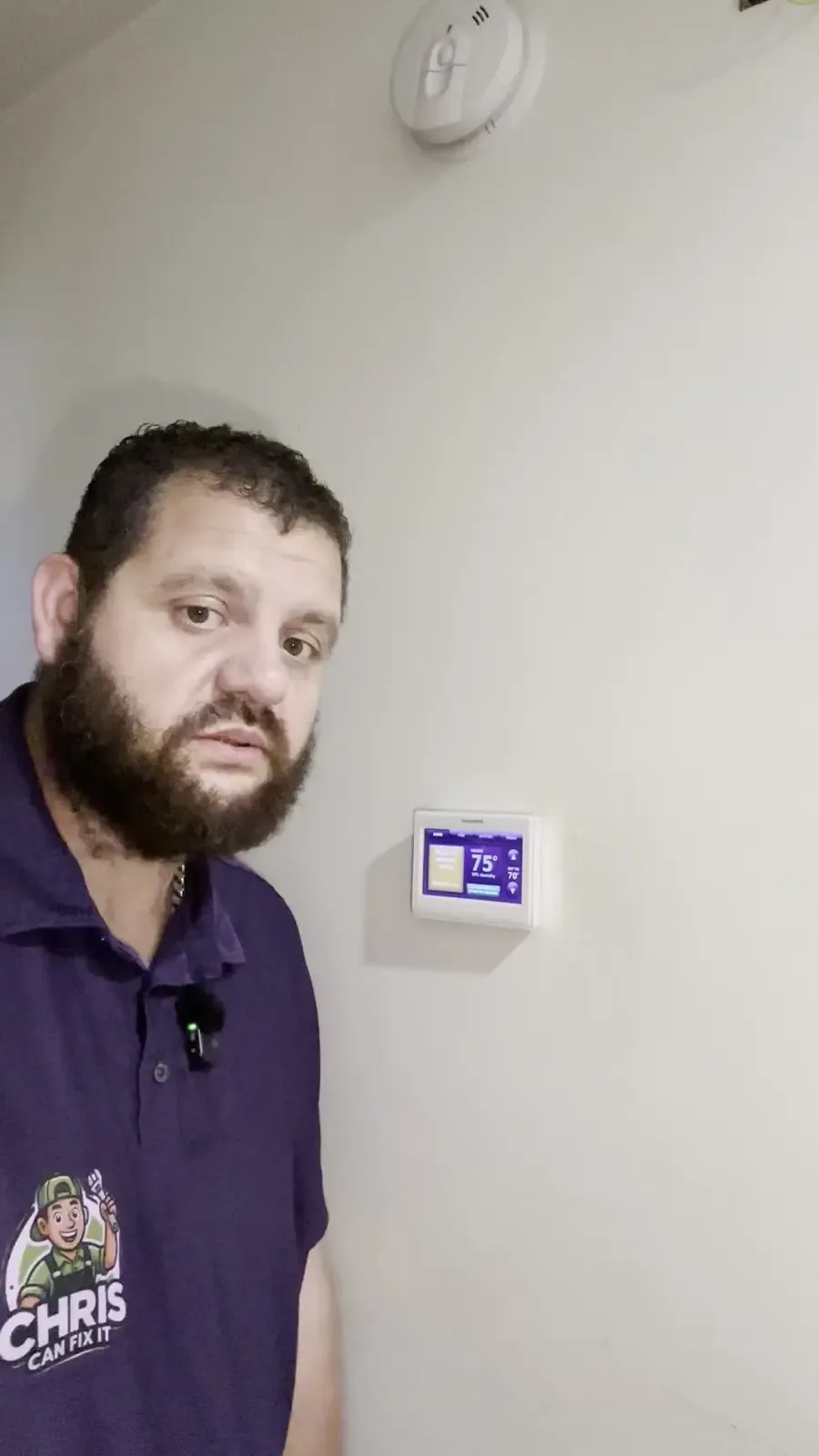
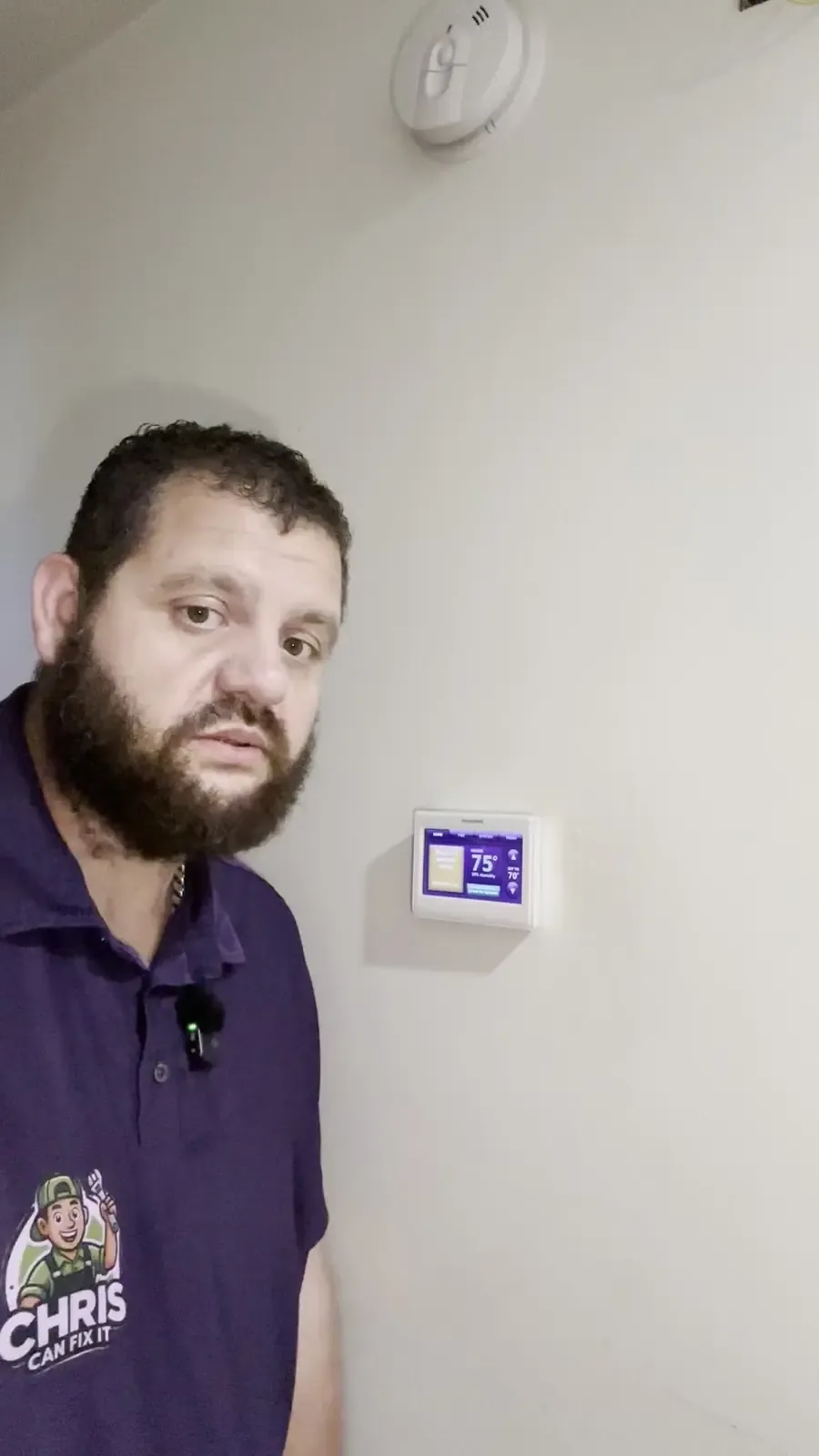
Most thermostats have a Hold, Vacation, or Away setting that overrides the normal schedule. When it's on, the thermostat keeps that lower temperature until someone clears it. Some smart thermostats also switch to Away on their own when they don't sense anyone home, and they can be slow to switch back.
Clear it and get back on schedule
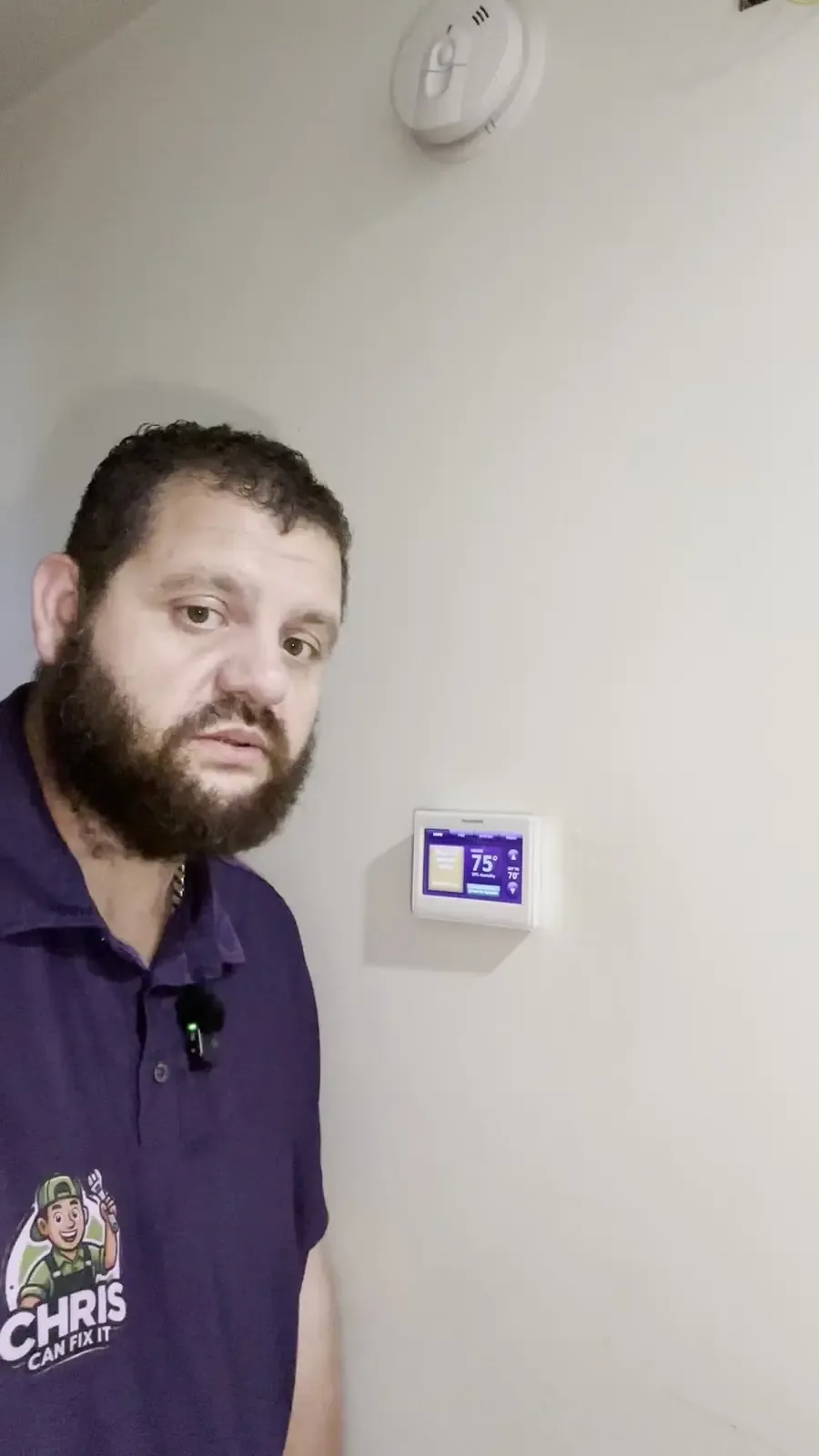
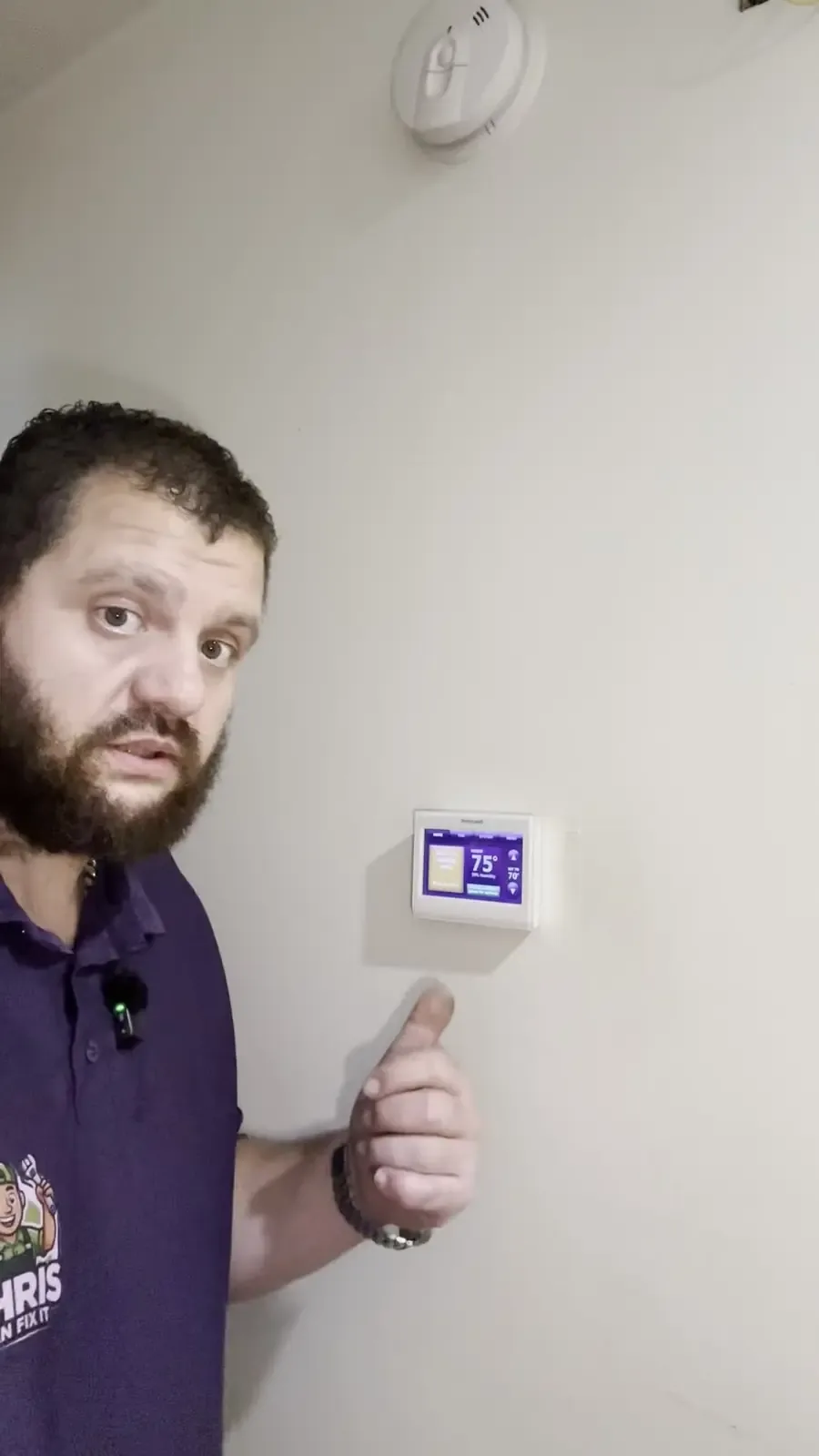
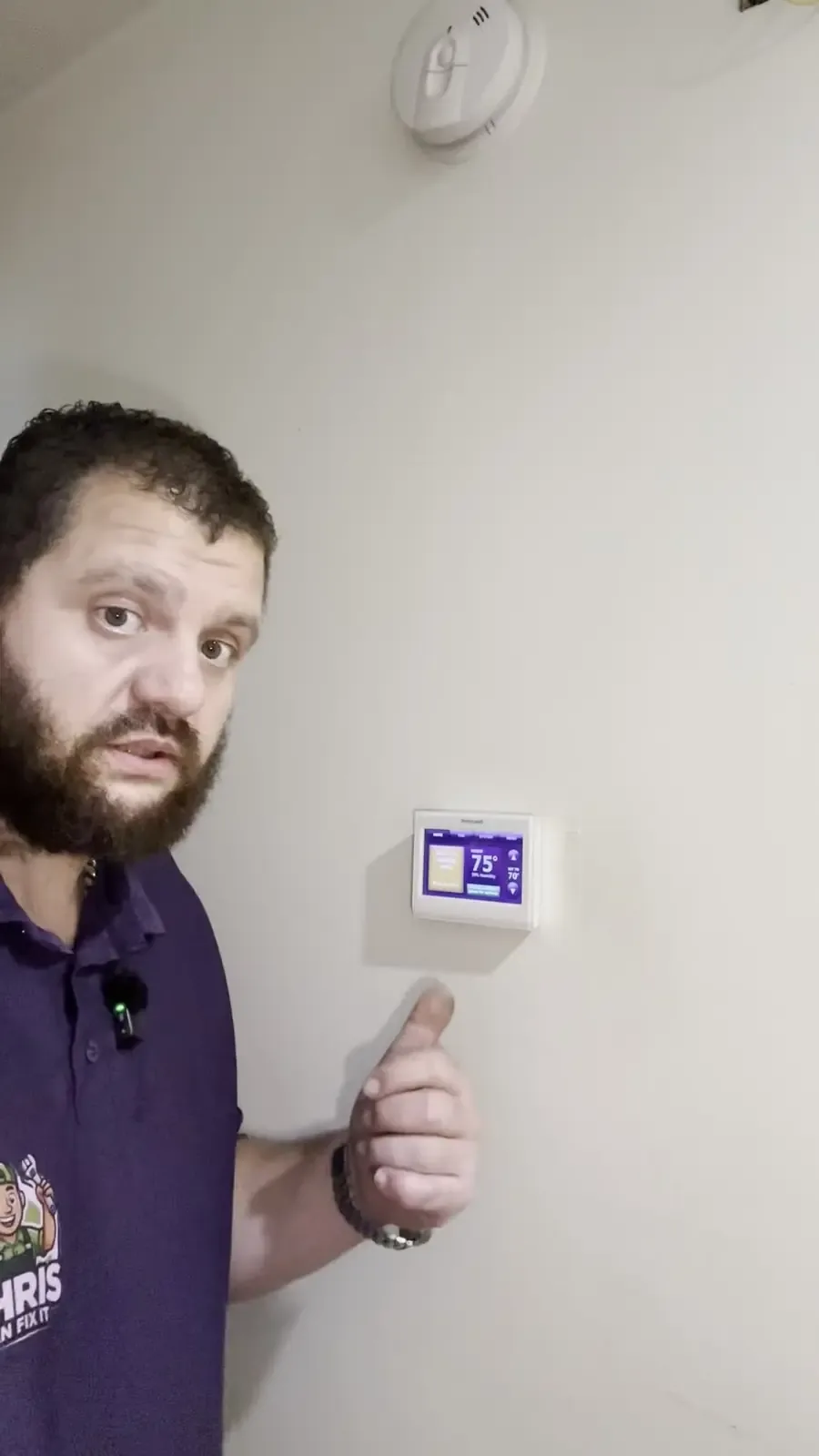
- Look at the screen for words like Hold, Permanent Hold, Vacation, Away, or Eco.
- Press Run Schedule, Resume, or Cancel Hold, depending on the model. If you use a phone app, check there too.
- Make sure the mode is set to Heat, not Off or Cool.
- Confirm the clock and day are right, since a wrong time throws off the whole schedule.
- Give the house an hour or two to recover. Turning the setting way up won't heat it any faster.
Before your next trip, use the thermostat's Vacation setting with a return date instead of a Permanent Hold. It goes back to your normal schedule on its own.
When to call
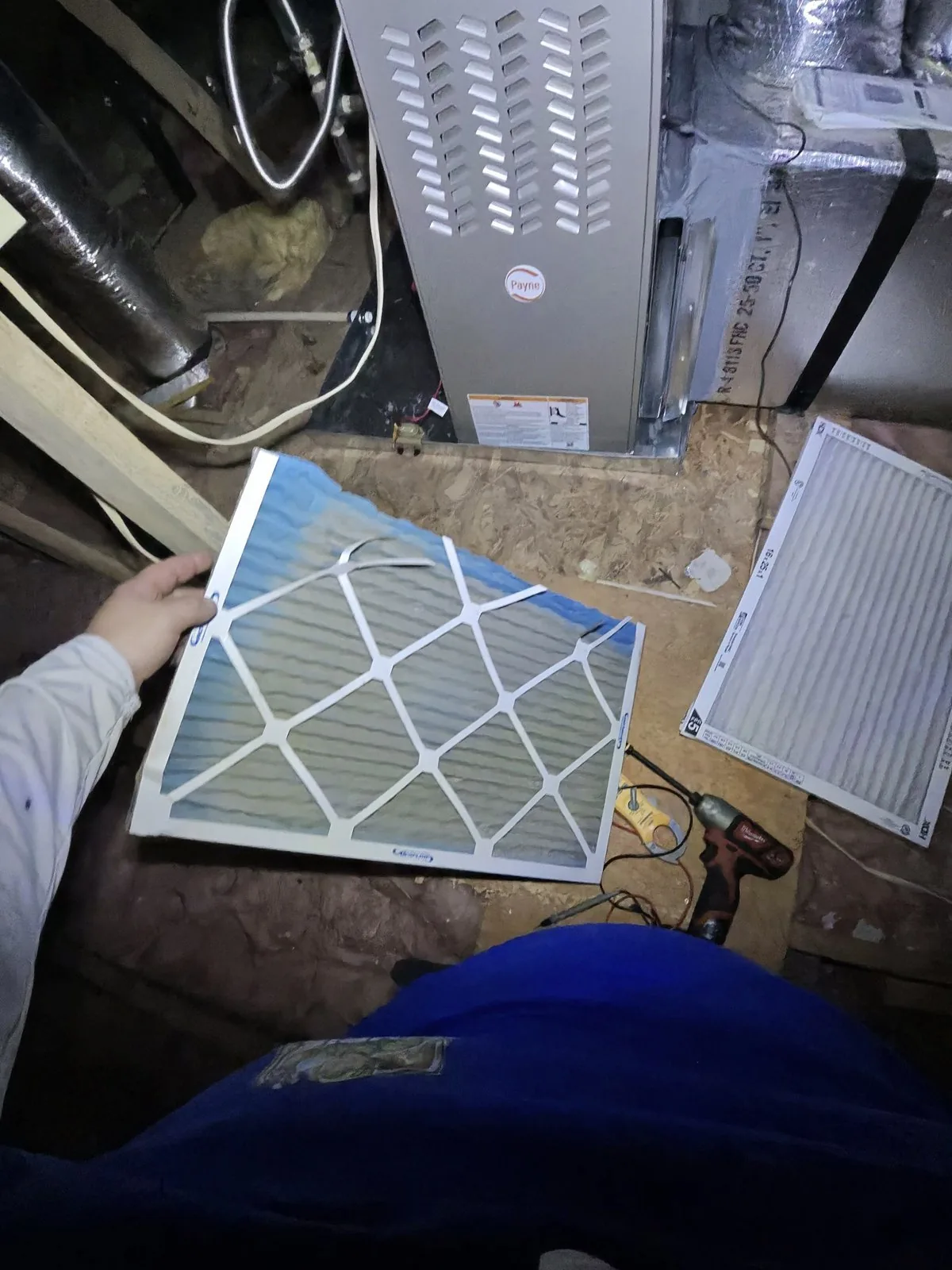
If the thermostat is following the right schedule, it's set to Heat, and the house still won't warm up, the problem is with the heating system, not the setting. Check that the air filter isn't clogged, but don't open up the furnace or touch the gas valve. For heat that won't keep up, call me at (470) 999-7395 or book online for a $79 diagnostic.